


Skip to content

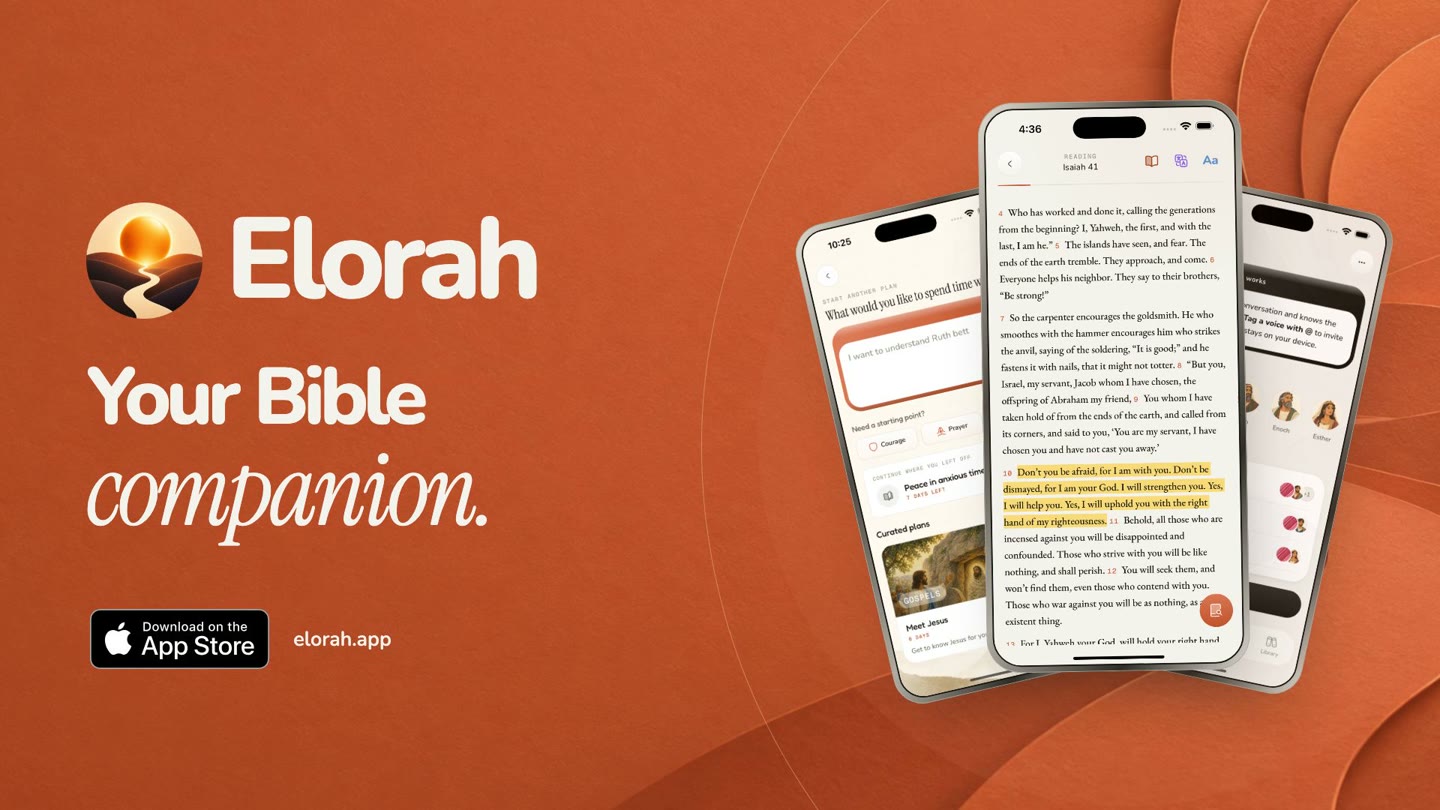
Elorah · Your Bible companion

Ever read a chapter and wondered what it meant?

Get help with difficult verses, ask questions in Council, and save what you learn. Keep using the Bible you already love.

Available on iPhone. Free to get started.

Elorah launch film

You open your Bible with the best intentions.

A few verses in, you’re thinking:
“What is this trying to say?”

You look it up. You make a note.
Then life gets busy.

Next time, you’re trying to remember where you left off.

That’s why there’s Elorah.

A little help while you read

A place to start.
A way to understand.

Reading plans

Not sure what to read?
Start here.

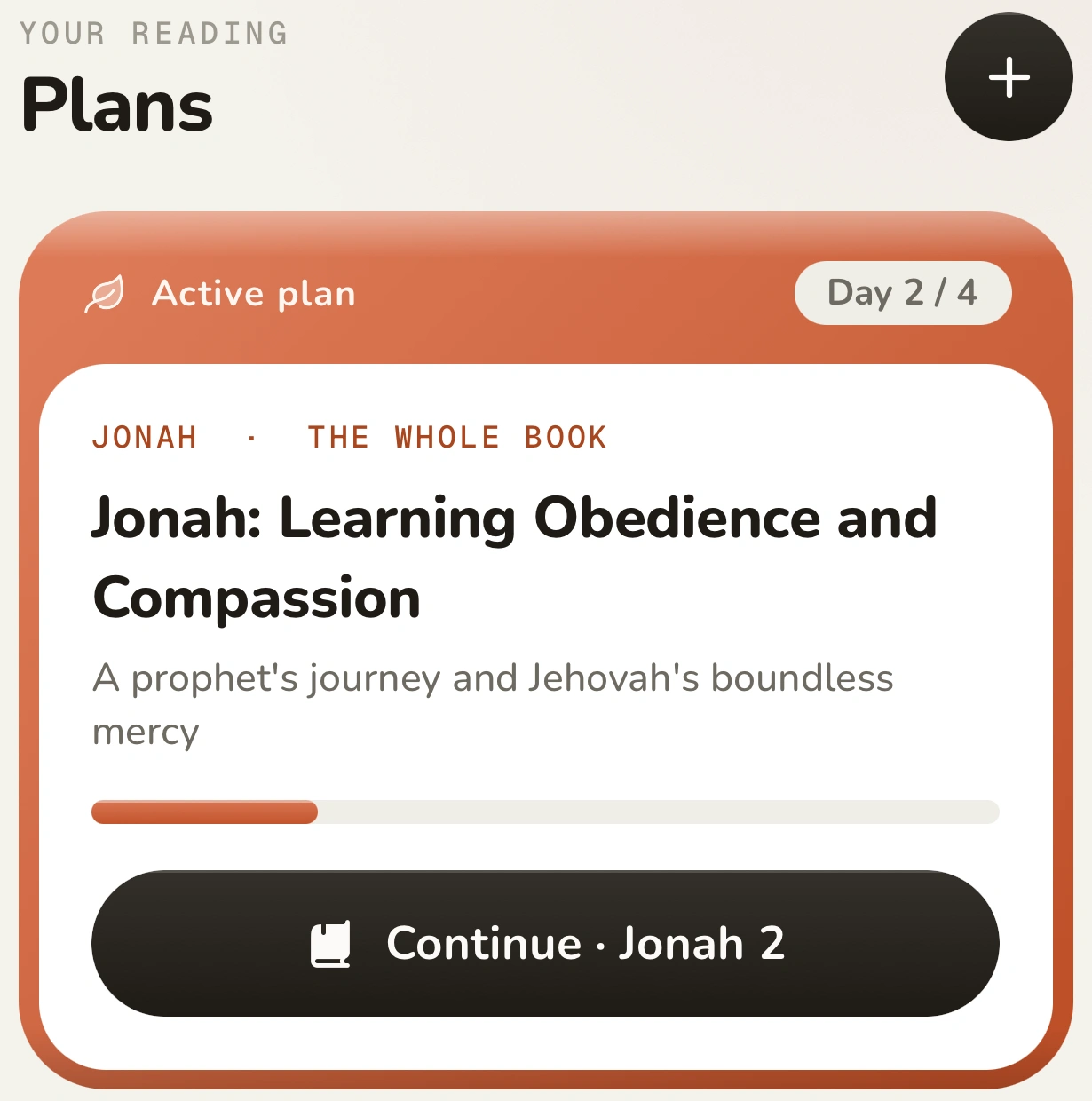
Choose a book or tell Elorah what’s on your mind. Get a reading plan with a passage for each day.

Elorah Plans: an active four-day Jonah plan, with a Continue Jonah 2 button
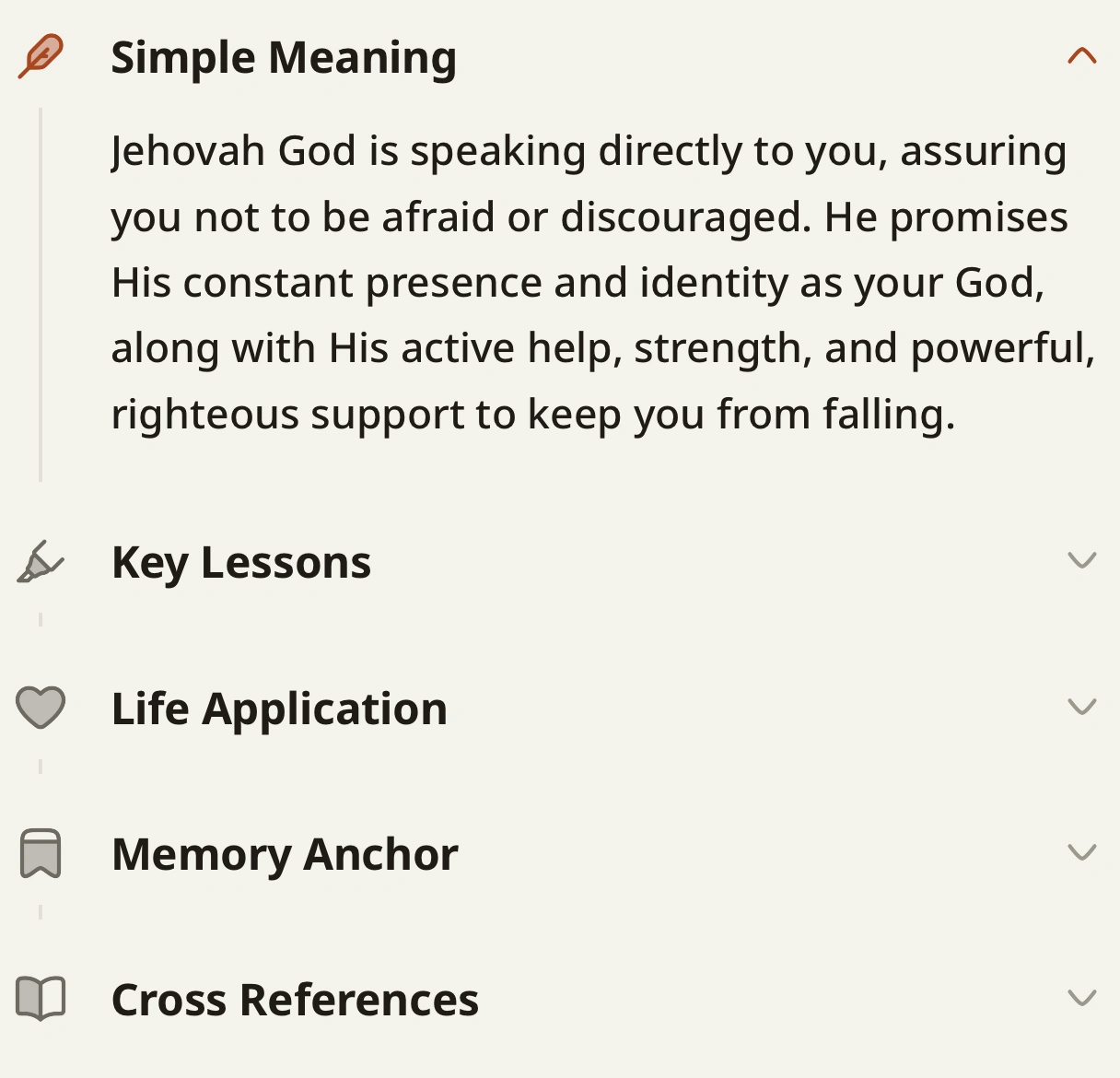
Actual Scripture Breakdown showing Simple Meaning, Key Lessons, Life Application, Memory Anchor, and Cross References

Scripture Breakdown

Stuck on a verse?
Select it.

See its meaning in plain language, explore related passages, and think about how it applies to your life. Then return to the verse with a little more understanding.

Notes & highlights

“I want to
remember this.”

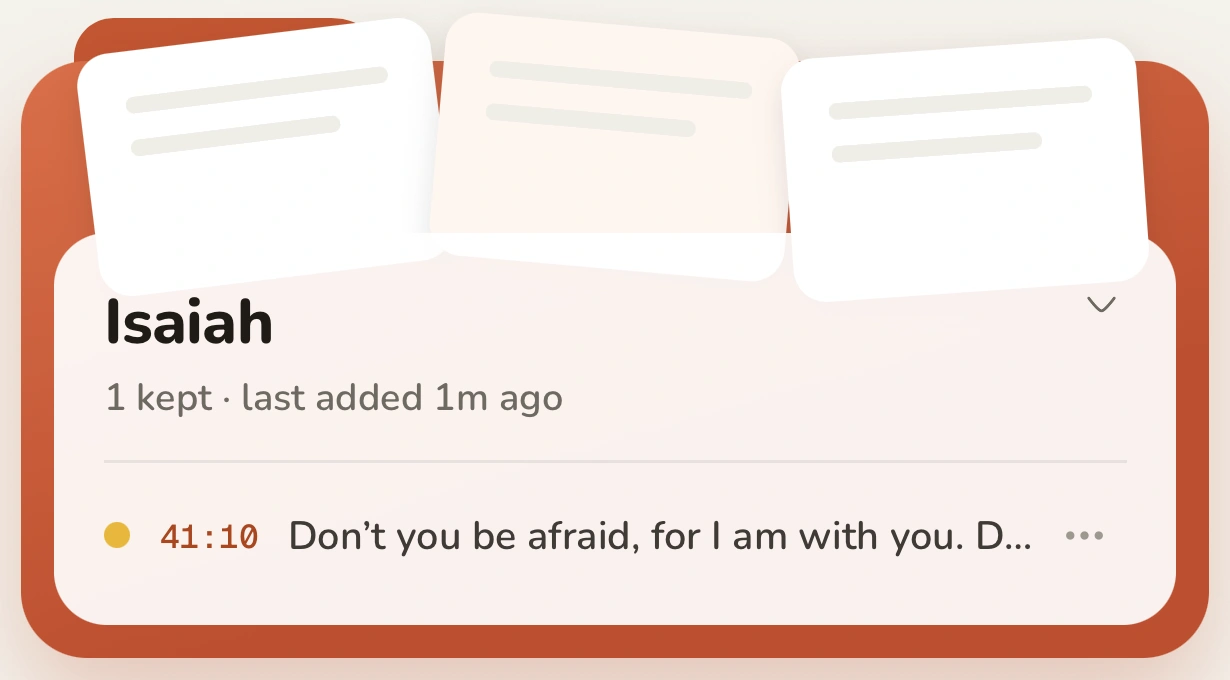
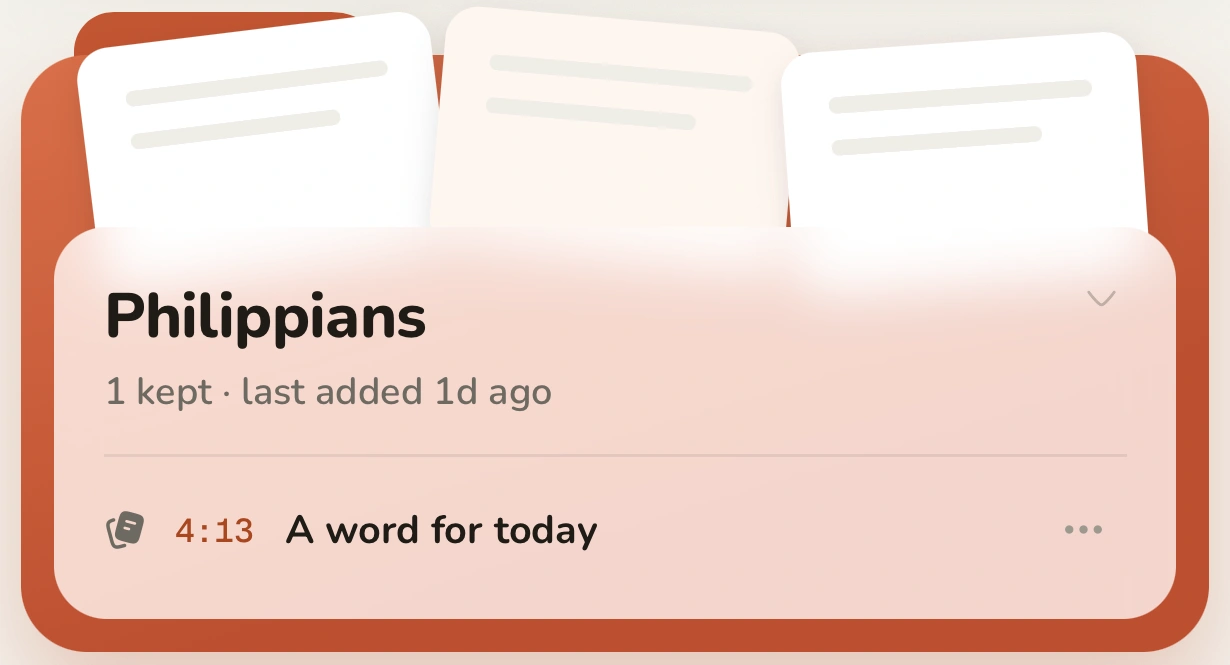
Save the verse. Write down the thought. Find both in your Library when you want to come back to them.

A saved Isaiah 41:10 highlight in the Isaiah collectionA saved word from Philippians 4:13 in Elorah’s Library

Council

Ask a question.
Keep the conversation going.

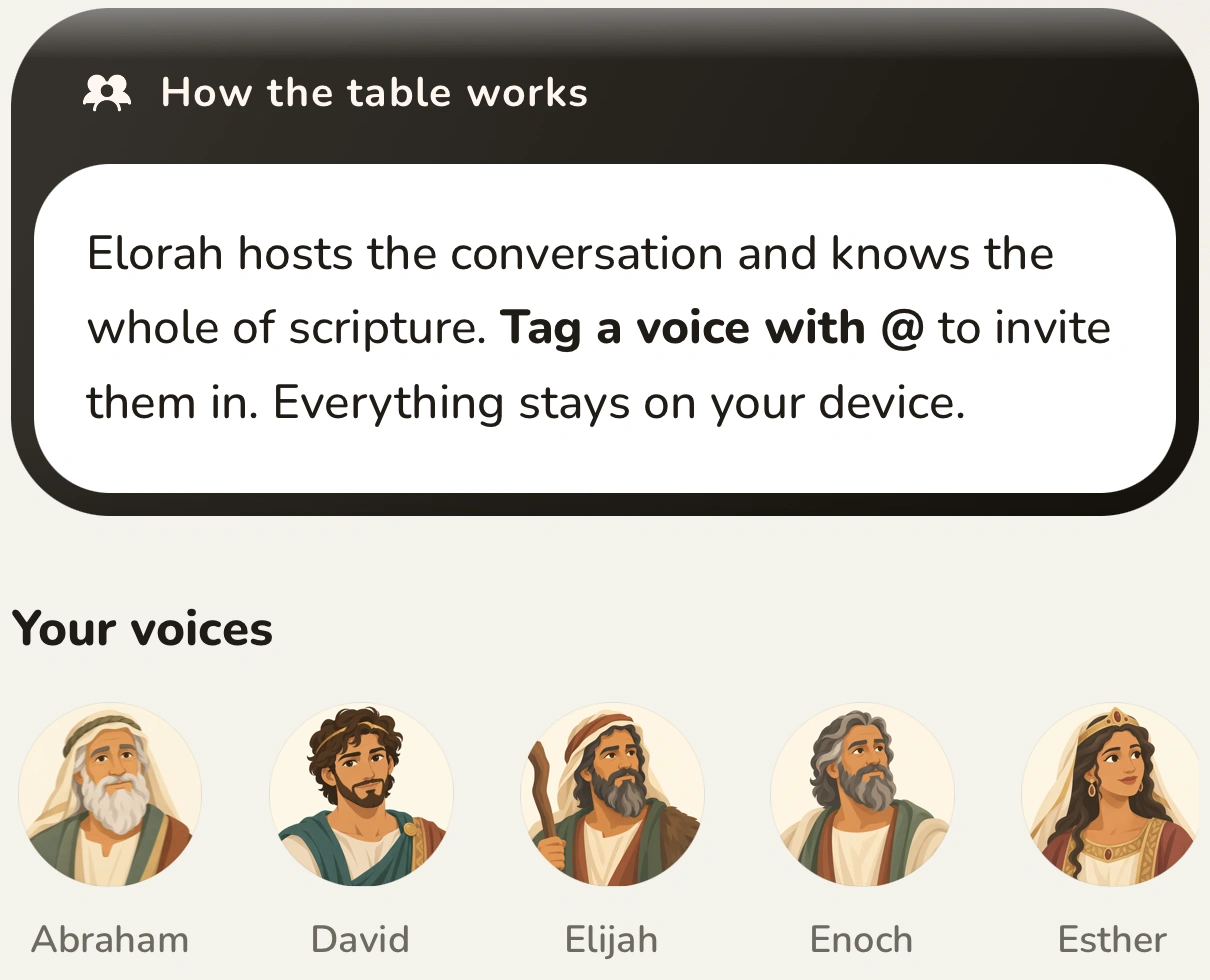
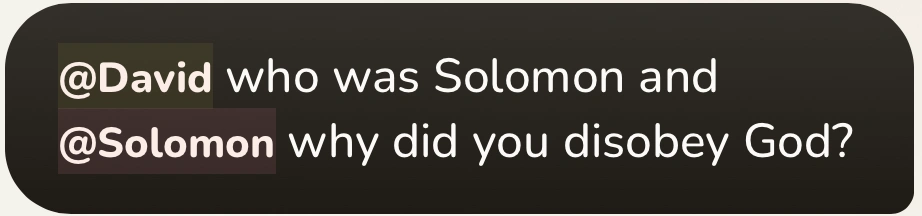
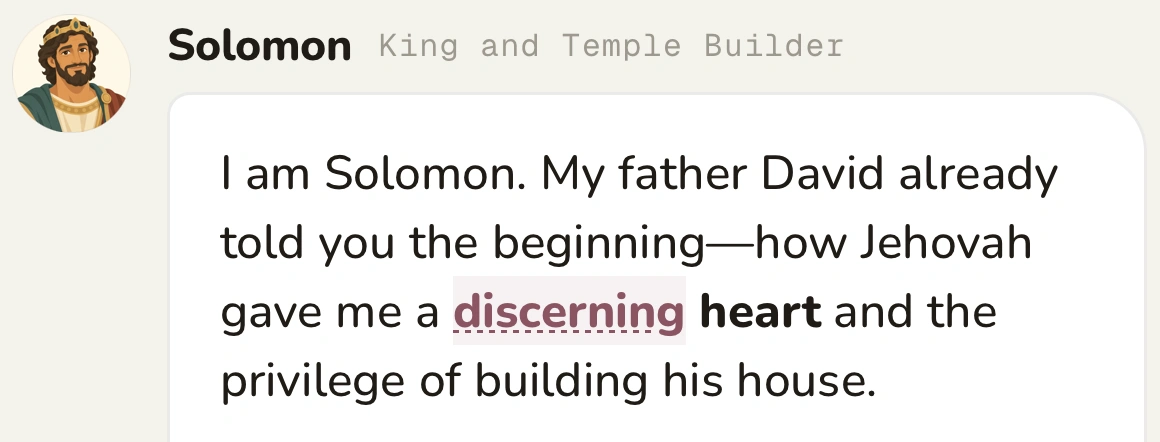
Talk through a passage with AI-guided voices based on biblical figures. Tag David, bring Solomon in, and ask a follow-up—all in the same chat.

Council’s actual table with Abraham, David, Elijah, Enoch, and Esther

Choose who joins the conversation.

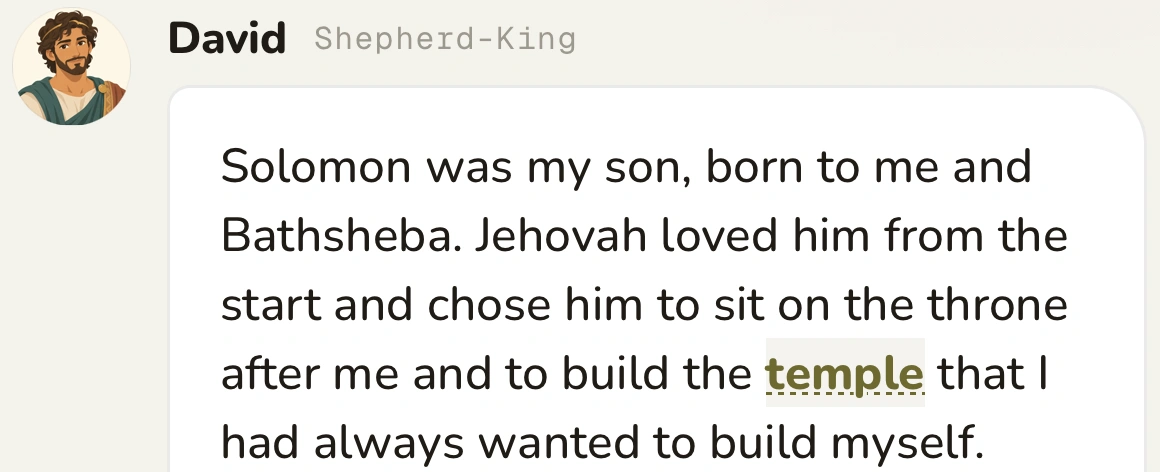
A real conversation in Council

A question in Council tagging David and Solomon
David’s response in Council describing his son Solomon
Solomon’s response in the same Council conversation

Excerpts from the app

Council is AI, not the people themselves. It can get things wrong. Always check the answers against Scripture.

YouVersionJW LibraryLogos

Keep the Bible
you already use.

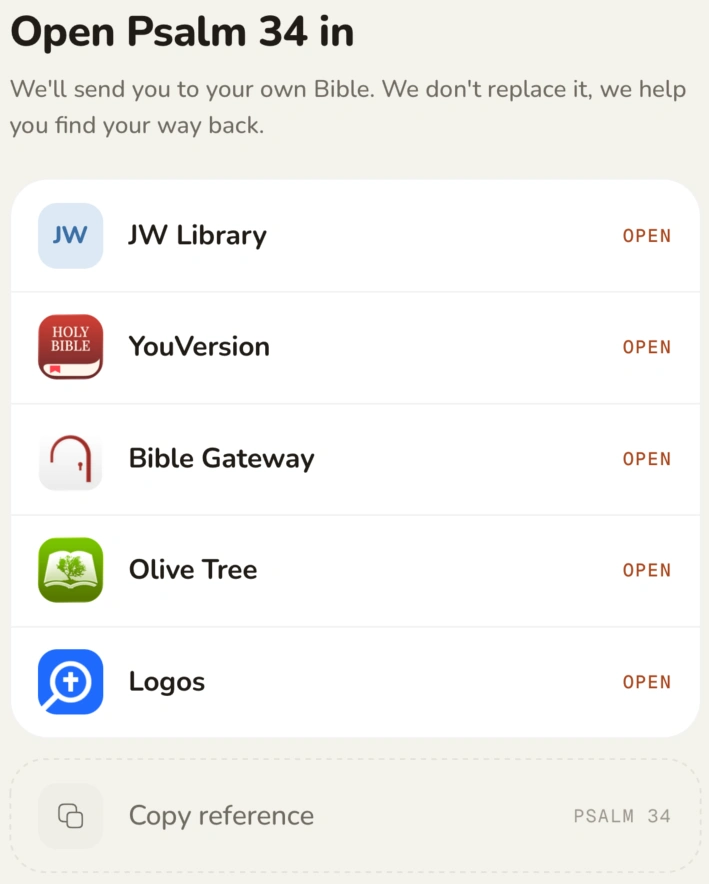
Already have a Bible app you love? Open your passage there. Elorah can help you understand it without asking you to switch.

JW Library, YouVersion, Bible Gateway, Olive Tree, and Logos. Or copy the reference and use any Bible—even the one on your shelf.

The actual Open Psalm 34 in sheet, with five Bible apps and Copy reference

Between one reading and the next

A verse for today.
Something to take with you.

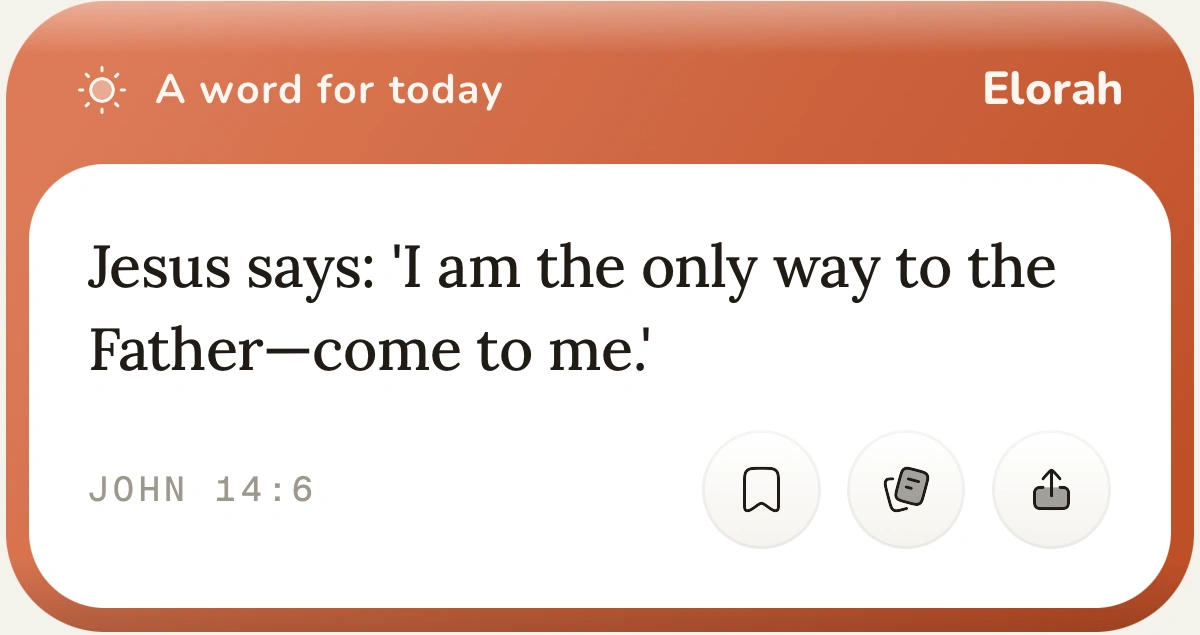
Elorah’s Daily Word card with John 14:6 and save and share actions

Just a moment to read?

Open Daily Word. Read the passage. Save it if it’s something you need to hear again.

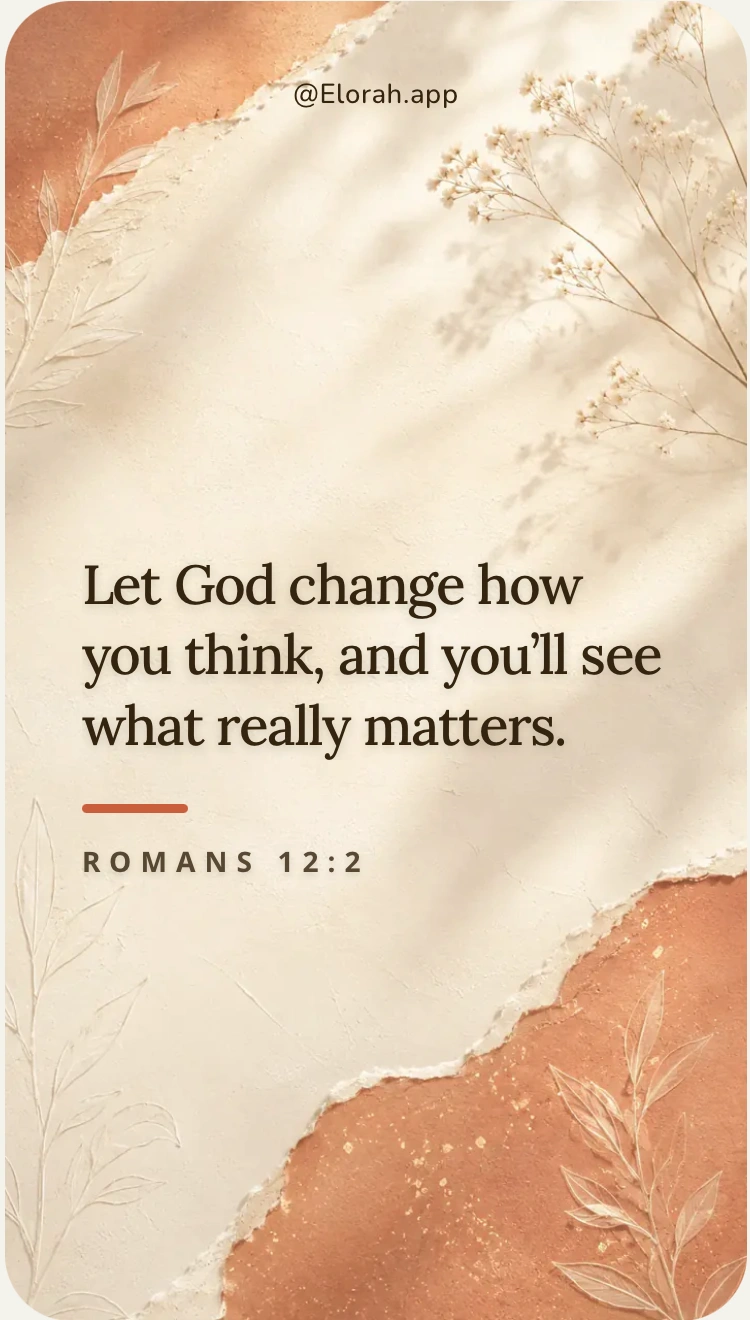
Elorah’s shareable Romans 12:2 verse card

“This made me think of you.”

Make a verse card and send it to someone. Sometimes a few words arrive at just the right time.

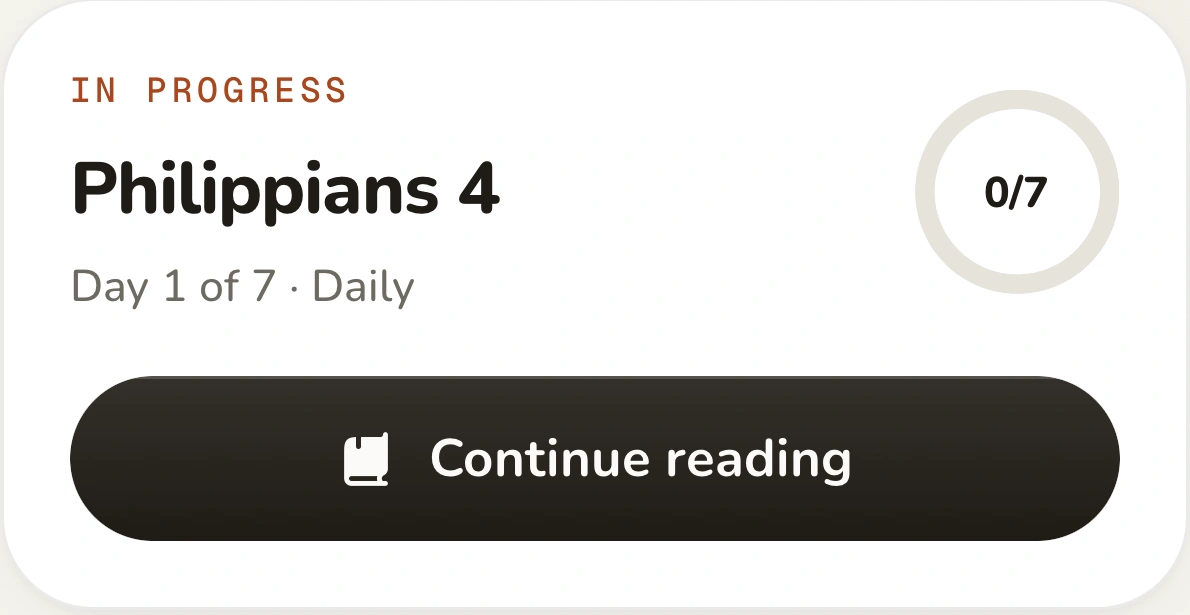
The real Continue reading card for Philippians 4, day one of seven

Missed a few days? Come back.

Your plan is still there. Your notes are still yours. Pick up where you left off.

Read without a connection. Downloaded Scripture and saved notes stay available offline. New AI answers need internet.

Set a reminder that suits you. Choose a time you’re likely to have a few minutes. You can change it whenever you need to.

Free & Plus

Start free.
Add Plus if you need it.

Elorah Free

Free

No payment required

Your everyday reading companion. No subscription needed.

  • Bible reader and Daily Word
  • Notes, highlights, and reading plans

Loading free allowances…

Breakdown and Council allowances renew daily. AI plan creations are a total allowance, not a daily limit.

Start free

Elorah Plus

Plus

Loading Plus prices…

Everything in Free, with room for every question and a backup of what you save.

  • Unlimited Scripture Breakdowns
  • Unlimited Council replies
  • Unlimited AI plan creations
  • Cloud backup and restore

No daily Breakdown or Council cap. No lifetime AI-plan cap.

Get Plus in the app

Plus prices shown in USD. Your local App Store price is shown before purchase. Subscriptions renew automatically. Cancel before your next renewal. Free allowances apply only to Free accounts.

Why I built Elorah

I kept having
the same problem.

A note from Elorah’s creator

For about three years, I tried to read my Bible more consistently. I could spend hours with a technical book. But with Scripture, I struggled to pay the same attention.

Finding a Bible wasn’t the problem. I needed help figuring out what to read, understanding the difficult parts, and remembering something after I closed it.

So I built Elorah. I wanted to keep my Bible and have somewhere to bring my questions. Somewhere to save a thought and find my place again after a few days away.

If that sounds familiar, I hope Elorah helps you too.

Thanks for giving it a place in your day.
Before you download.

No. You can read inside Elorah or open the passage in JW Library, YouVersion, Bible Gateway, Olive Tree, or Logos. Prefer a different app or a printed Bible? Copy the reference and read it there.

Still have a question? Get in touch.

Next time you open your Bible,
have Elorah beside you.